About 70% of online shopping carts are abandoned, according to Baymard Institute's average across 50 studies. Not all of them are lost. Some customers came back on another device, and the cart wasn't there.
What Shopify counts as an abandoned cart
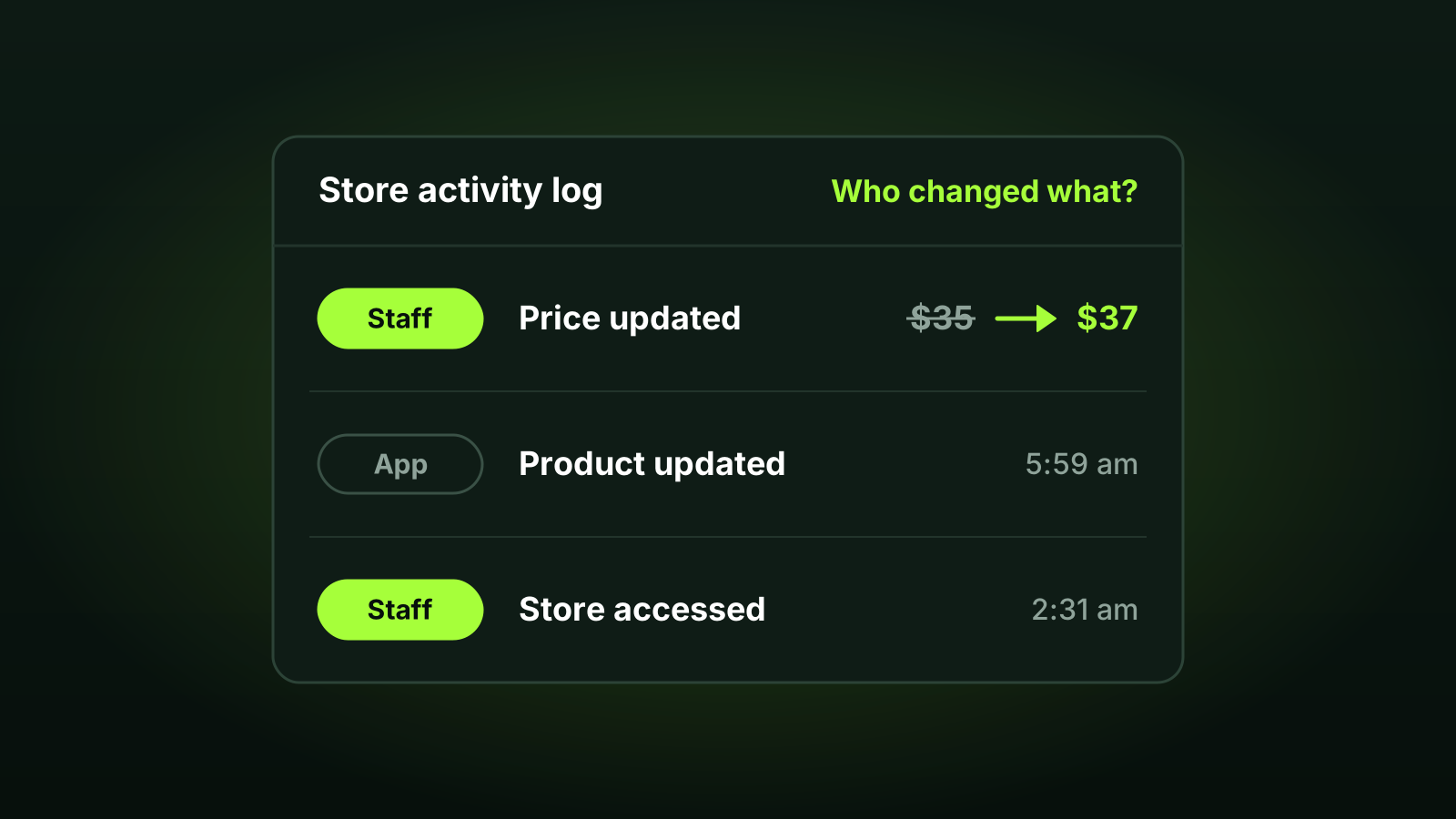
Shopify tracks abandoned checkouts. A checkout counts as abandoned when the customer added items, entered their contact details at checkout, and didn't complete the purchase, as described in the Shopify developer docs.
Anything before that step isn't listed. A customer who fills a cart and never opens checkout leaves no abandoned checkout, no recovery email, nothing in your reports.

How device switching hides in your numbers
A typical journey:
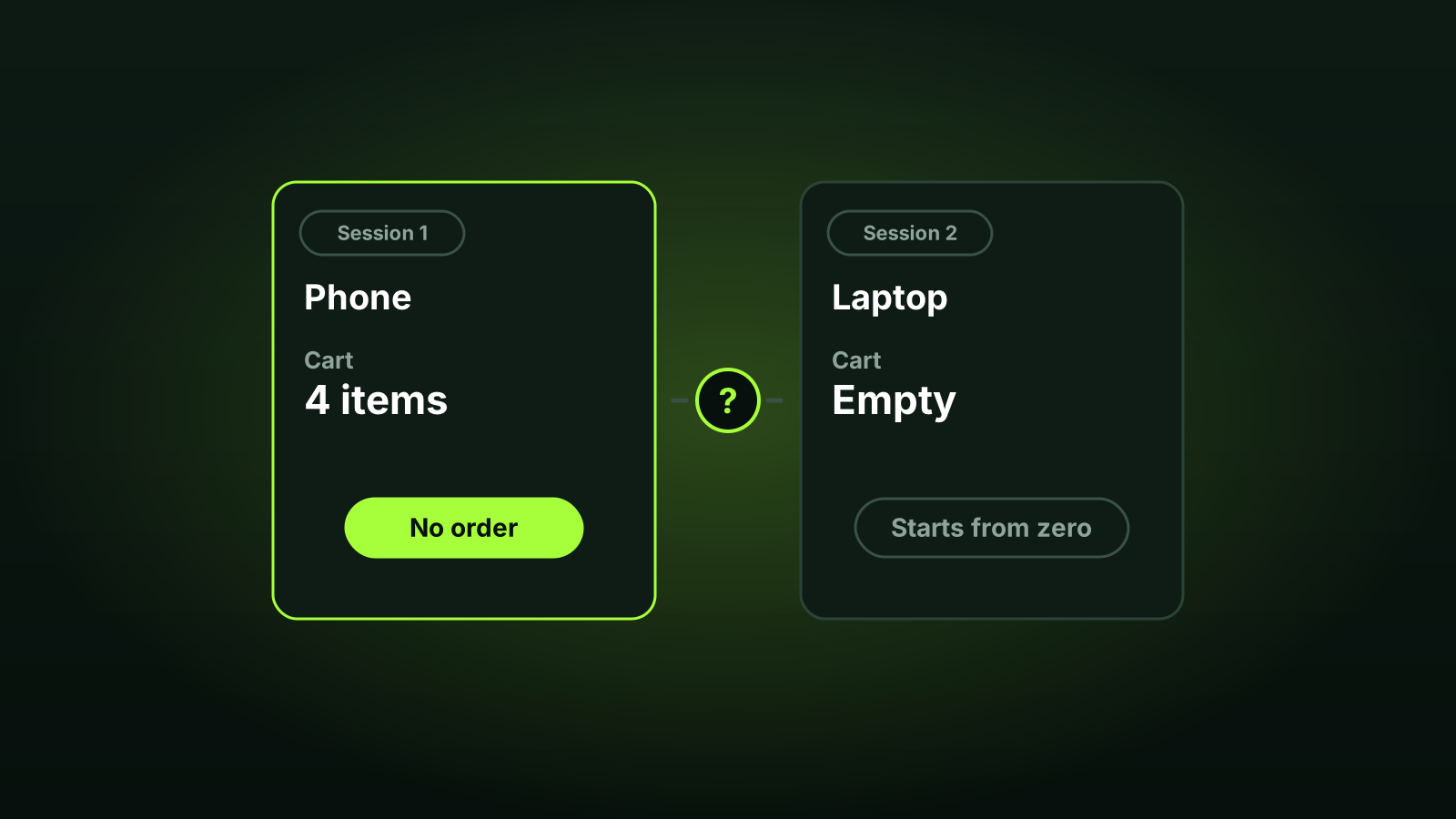
- A customer builds a cart on their phone during the day.
- In the evening, they open your store on their laptop. The cart is empty.
- They rebuild it from memory, or they give up.
The cart was there all along, on the phone. Unless the customer uses Shop, Shopify keeps a cart on one device.
If they rebuild it, you see one abandoned cart and one separate sale. If they give up, you see an abandoned cart that was never really abandoned. Either way, nothing tells you a device switch happened.
Why recovery emails can't fix it
Recovery emails need an abandoned checkout and an email address. Most cross-device losses happen earlier, at the cart stage, so there's nothing to send.
And when an email does go out, it brings the customer back to a checkout. It doesn't put the cart back on the device they're using now.
Who sees it the most
- B2B and wholesale stores. Buyers build long orders over several days, often between office and phone.
- High-value products. People research on mobile and buy on desktop.
- Logged-in repeat customers. They already have an account, so they expect their cart to follow them.
What fixes it
Keep the cart attached to the customer, not to the device. Shopify now does it through Shop, but only for shoppers who have a Shop account.
With Ecto, the cart of every logged-in customer is saved to their account and restored on any device they log in from. No popup, no button, nothing for the customer to do. Saved carts are kept for 90 days after the last change. For B2B stores, a saved cart can also become a draft order in one click.
Try it on our live demo store, or start your free trial from the Shopify App Store.
FAQ
Does Shopify report cross-device cart abandonment?
No. Shopify reports abandoned checkouts, and a cart left on another device usually never reaches checkout.
Can abandoned cart emails recover these carts?
Rarely. They need an abandoned checkout and an email address, and they don't restore the cart on the new device.
Does cart sync work for guest shoppers?
Usually not. A cart can only follow a shopper who logs in, because the account is what links their devices. Shop is the exception: it can recognize shoppers who signed in with Shop in an earlier session.