A price changed overnight. A discount code no longer works. Your theme looks different. When several people and a dozen apps work on your store, the first question is always the same: who did that?
Shopify rebuilt its store activity log on November 13, 2026 to answer exactly that. It now works as a real audit log: one change history for your whole store, with who made each change, when, and, when available, the old and new value. Here's how to use it.
Where to find the activity log, and who can open it
In your Shopify admin, go to Settings > General > Store activity log.
There's also a shortcut. On a product, order, discount, gift card, collection or domain page, click View activity. The log opens already filtered on that item.
Not everyone on your team will see it. Only the store owner and staff with both the Manage settings and Edit permissions can open it, for example Administrators. Other staff who used the previous log keep using it for now.
How to read an entry
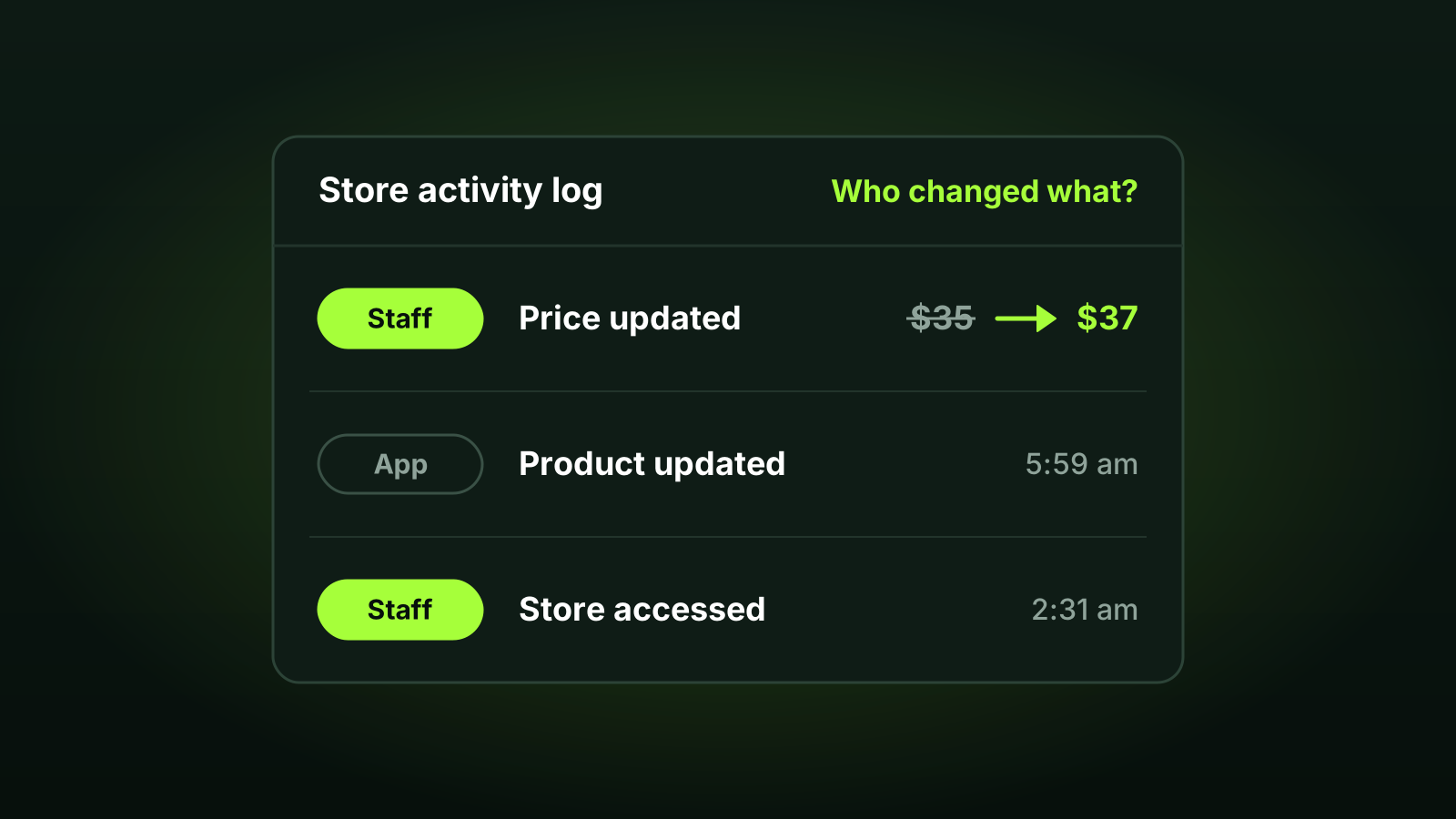
Each line is one event: the date, the actor, the type of actor, the action, the resource and what changed.
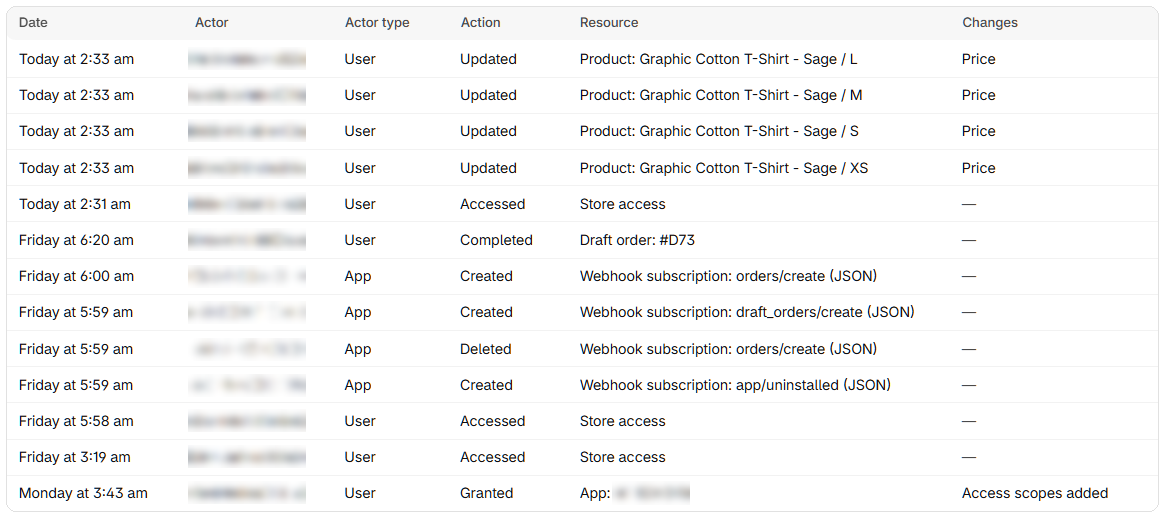
The actor is who made the change. It can be a user (a staff member or a collaborator), an app, or Shopify itself when Shopify staff made the change.
Click any line to open its details. For an edit, you see the old and new value side by side, when available.
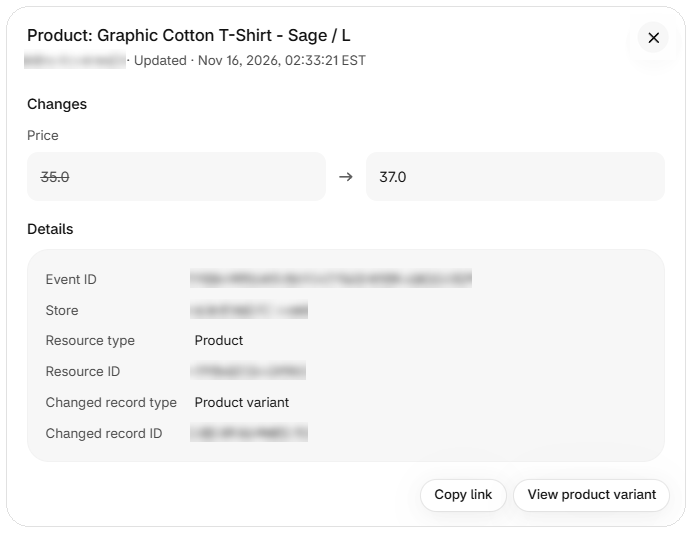
From there, a button takes you to the item, and Copy link gives you a link to that entry, handy to send to a teammate.
4 questions the activity log answers
Who changed this price?
Open the product and click View activity. Find the line that shows Price in the Changes column, then click it to see the old and new price.
What did my agency or freelancer change?
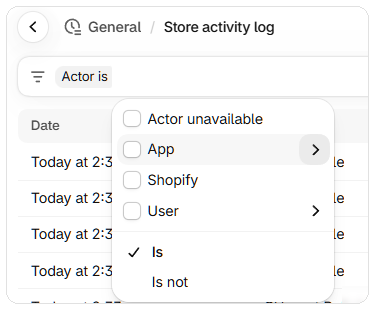
Filter by Actor, pick the person, then add a date range. You get the changes they made, in order. Useful at the end of a project, or before you remove their access.
What did this app do after I installed it?
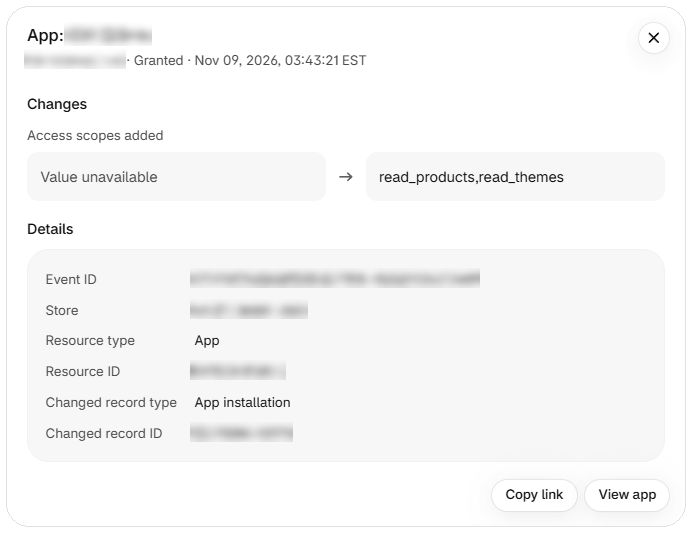
Filter by Actor, choose App, then pick the app. You'll see what it did in your store, for example the permissions you granted it, or the webhooks it created. Webhooks are how apps get notified when something happens, like a new order.
Who accessed the admin, and when?
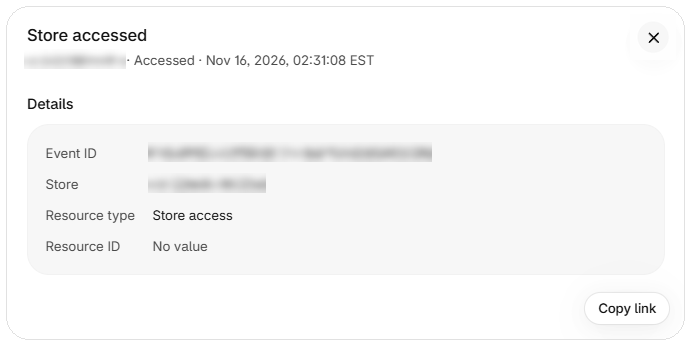
Filter by Resource and choose Store access. Each entry shows who accessed the store, with the exact time.
What it tracks, and what it doesn't
Shopify says not every action in the admin is recorded yet, so expect the list to grow over time. History also starts with the new log: changes made before Shopify began recording them won't show up. From now on, you keep up to 18 months.
One thing is certain: the log follows your team, your collaborators and your apps. It doesn't follow your customers.
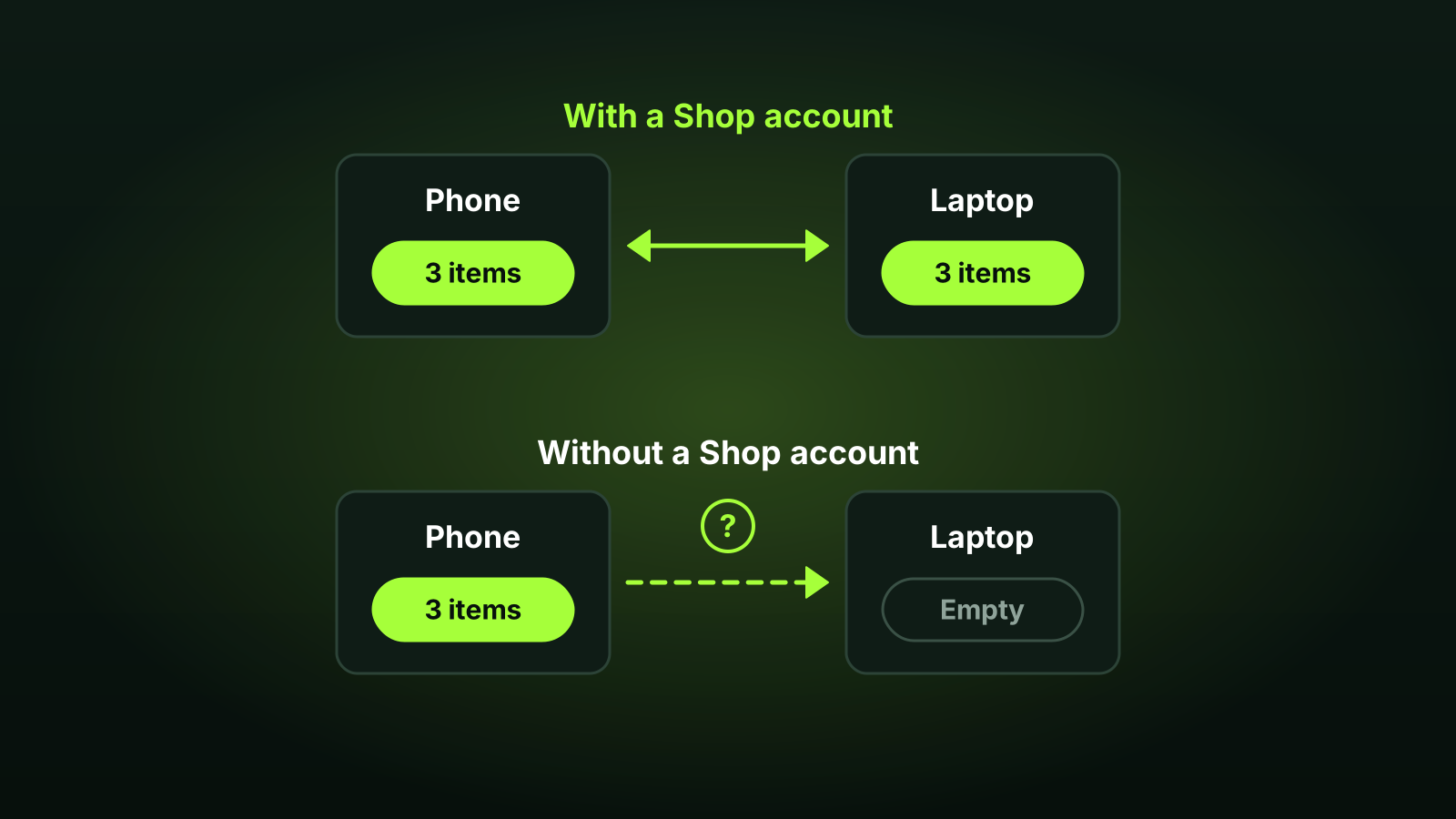
Say a buyer fills a 40-item cart on their phone, then opens your store on their laptop. If that cart doesn't follow them, nothing in the log will tell you. For B2B stores and big carts, that's an order at risk.
That's the part Ecto covers. Ecto saves the cart of every logged-in customer and restores it on their other device. No popup, no button to click. Saved carts stay for 90 days after the last change, and the most recent cart always wins. To go further, see why carts disappear when Shopify customers switch devices. And when a buyer needs a quote, you can create a draft order from their saved cart in one click.
See it live on the Ecto demo store, or try Ecto from the Shopify App Store. Setup takes 3 clicks, with no code and no theme edits.
FAQ
Where is the activity log in Shopify?
Go to Settings > General > Store activity log. You can also click View activity on a product, order, discount, gift card, collection or domain page to see that item's history.
How far back does the Shopify activity log go?
Up to 18 months. History starts when Shopify began recording each type of change, shortly before the new log was released in November 2026, so older changes aren't there.
Can I see which app changed something in my store?
Yes. Filter by Actor, choose App, then pick the app. Changes made by an app are listed under its name.